Just starting out and don’t want the full-blown expenses of an entire website? I got you! Let’s face it—publishing a book is hard enough without adding “web developer” to your résumé. Sometimes all you need is a simple, professional landing page to start your journey.
Enter Carrd: the perfect solution for authors who want a polished online presence without the technical headaches.
This is a step-by-step guide on how to build a simple author website with all the relevant components and your own domain.
(Even if you’d like to build your own full author website, though, it might be helpful to learn about Carrd or Linktree for your social media link-in-bio page.)
With that, let’s get started!
What is Carrd?
Carrd is a platform that lets you create sleek, responsive one-page websites in minutes—no coding required. Though it’s similar to Linktree (which you might be familiar with from Instagram), Carrd is a lot more customizable.
The beauty is in its simplicity. Everything you want is on just one page!
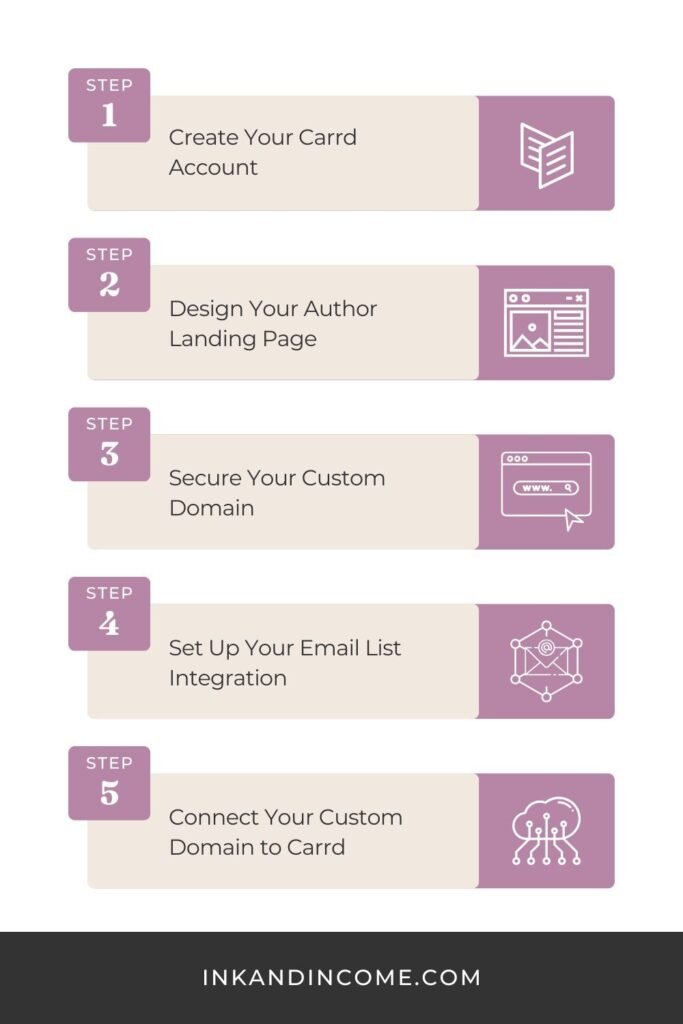
Step 1: Create Your Carrd Account
First things first, head over to Carrd and sign up for an account.
While there are free plans, you’ll need a Pro Standard Plan ($19 USD/year) to use custom domain URLS and add email signups. You’ll also be able to remove their branding and create up to 10 sites with this plan.
Pro Tip: Start with a blank canvas for maximum customization, but definitely look through Carrd’s templates for inspiration. The platform is incredibly intuitive—you can add, move, and style elements with its simple drag-and-drop features.
Step 2: Design Your Author Landing Page
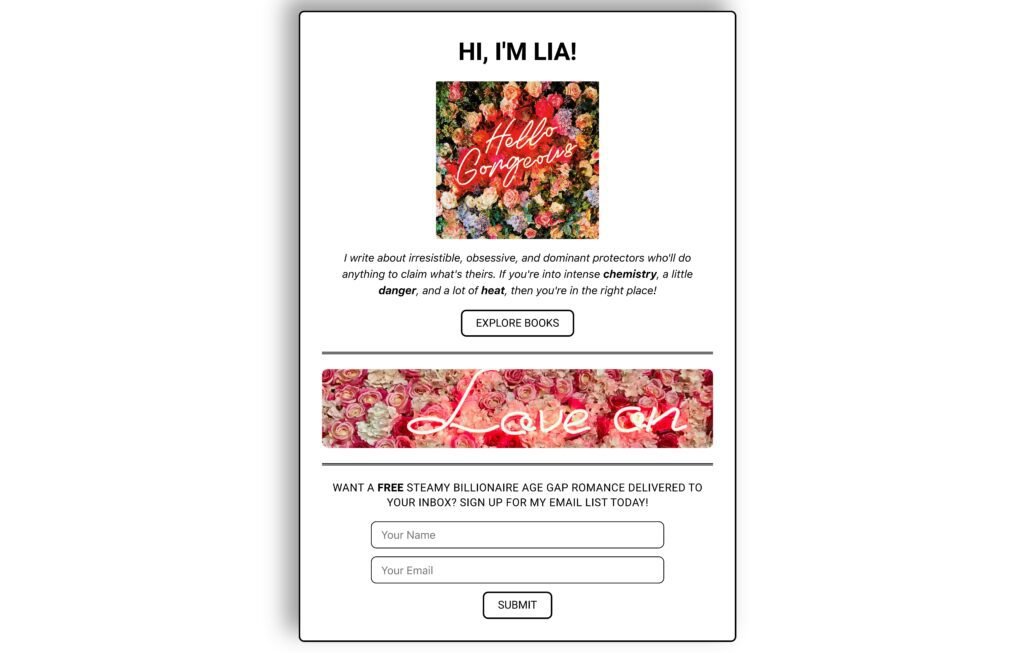
What elements should your single-page author website have? Well, there’s the header, bio, books, newsletter signup, and contact sections. You can choose to include what feels right.
Header Section
This is where you’d have your author name (or pen name). You might include a professional photo or your logo as well as a tagline that captures your genre and voice.
Bio Section
Keep your author bio brief with 2-3 engaging sentences about you and your writing.
Books Section
Consider including a high-quality book cover with a brief description (1-2 sentences), but this could be as simple as a call-to-action link sending your readers to the book list page.
Newsletter Signup Section
We’ll talk more on how to set this up in a moment, but consider giving your readers a compelling reason to subscribe like a freebie or extra content.
Contact Section or Social Media Links
You can go about this a couple of different ways from a contact form, to your author email (if you feel comfortable sharing it), to links to your social media profiles.
Pro Tip: Carrd is extremely customizable. If you need inspiration look no further than Pinterest. There’s also some great tutorials on YouTube.
This is a simple page I created for a fictious author.
Step 3: Secure Your Custom Domain
Your own domain name will instantly elevate your professional image.
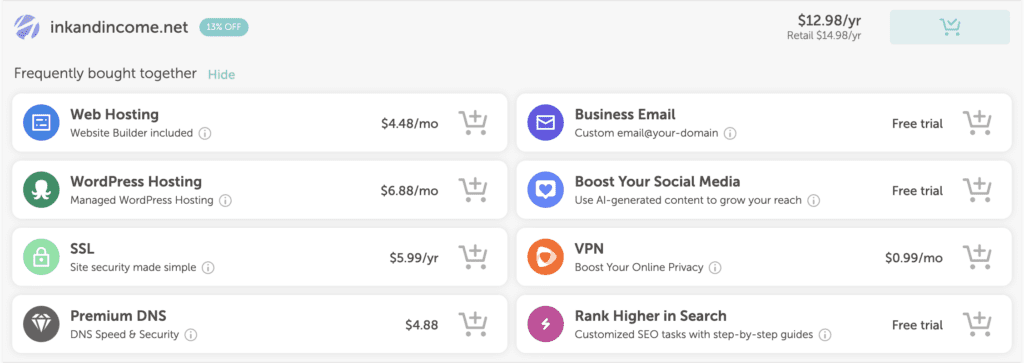
While we recommend NameCheap for their competitive pricing, there are tons of services out there.
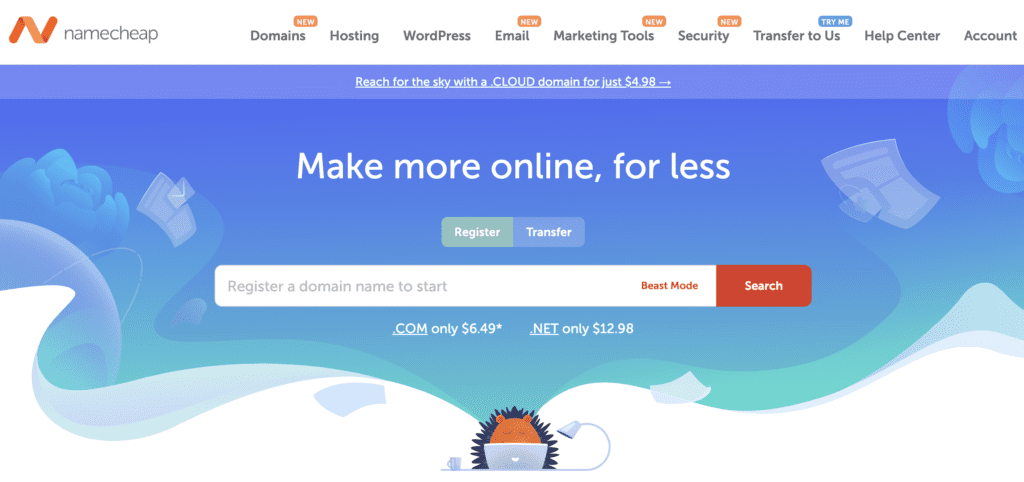
If you decide to use NameCheap, then head over to their website. Search for your ideal domain name. This might be your author name (janedoe.com) or some variation of “author” or “book” (authorjanedoe.com).
Select and purchase your domain.
Essential Add-Ons:
- Professional Email: Having emails from you@yourauthorname.com instead of a generic Gmail address can make a big difference in how readers and industry professionals perceive you. NameCheap offers affordable email hosting.
- SSL Certificate: This adds the little padlock icon in browsers, showing visitors your site is secure. Many domain providers include this for free.
Step 4: Set Up Your Email List Integration
If you’re an author, you’ll need an email list. It’s the only platform you’ll truly own—providing direct access to your readers regardless of social media algorithm changes.
Carrd integrates with a bunch of email marketing platforms, but based on my experience, I’d recommend:
- Kit (formerly ConvertKit)
- MailerLite
- Brevo (formerly Sendinblue)
These all have great free options.
Let’s go step-by-step to creating your email signup section.
- Create a New Account on Your Chosen Email Platform (This is a great time to use your new author email!)
- In Carrd, Add a Form Element to Your Page (Click ‘+’ and then ‘Form’)
- Select “Sign Up” as Form Type
- Choose Your Email Platform
- Find Your API Key (Carrd will provide instructions, but it’s usually some variation of the platform’s settings. For example, on Kit it would be Dashboard > Your Name or Account Name in the Corner > Settings > Developer)
- Configure Form Fields (Keep it simple here, just email is best.)
- Add Compelling Signup Message and Button
Pro Tip: Like we said before, try offering a freebie or extra content as a lead magnet. That’ll be sure to hook readers.
Step 5: Connect Your Custom Domain to Carrd
Now, let’s connect your URL to your Carrd. Let’s go step-by-step:
- In Carrd, click “Publish” in the top right corner.
- Pick “Add Custom Domain”
- Enter Your Domain Name
- Follow Platform Specific (e.g., NameCheap) DNS Instructions
- Log Into Your NameCheap Account
- Navigate To Your Domain’s DNS Settings
- Add CNAME Records
- Allow 24-48 Hours For Changes (Though it’s usually much faster.)
For more detailed instructions, Carrd has a great guide here as well as a video if you’re more visually inclined.
Final Touches
Before hitting that publish button, be sure to:
- Test on Mobile: Does your site look good on your smartphone?
- Check All Links: Do all the links take you to where they’re supposed to?
- Test Your Form: Does your email signup form work?
- Proofread: Is your text free of any obvious mistakes?
When to Upgrade to a Full Website
What if you outgrow a simple landing page? When will you know?
Your Carrd site will serve you well, but you might eventually outgrow it. Consider upgrading to a full author website when:
- You have multiple books or series to showcase
- You want to host a blog
- You want your own store
If and when that time comes, check out our guide on building an author website as well as essential and optional author website pages.
Final Thoughts
Building your author website can feel overwhelming. We hope this guide lightened your load a little.
If you’d like personalized guidance on creating your Carrd site or talking through developing your author brand, then please feel free to book a one-on-one consultation. I’m here to help!